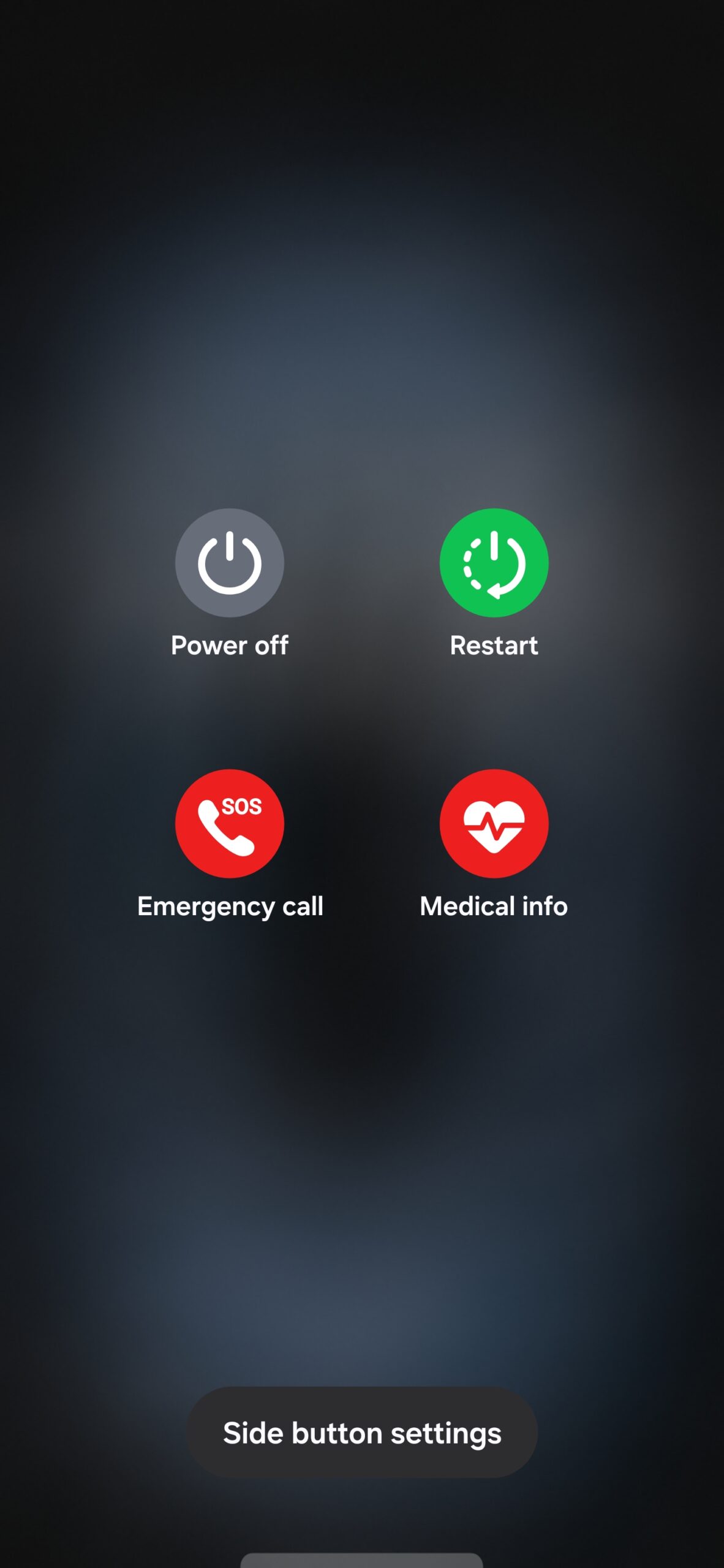

A few days ago, we reported that Samsung made a small yet meaningful change to the power menu in One UI 9.0 to make devices more secure against theft. Now, it has been discovered that the company has removed the dedicated Lockdown Mode button from the power menu.
There is no Lockdown Mode button in One UI 9.0
Devices running One UI 9.0 no longer have a dedicated Lockdown Mode button in the power menu. However, there is no need to worry, as opening the power menu automatically puts the phone into Lockdown Mode. Even if the phone is unlocked when you open the power menu, it automatically enters Lockdown Mode. Exiting this state requires you to enter the phone's PIN or password.


Biometric authentication, including fingerprint recognition and face unlock, is also disabled. This means you must use your PIN or password to unlock the phone and continue using it.
This change improves security on Galaxy phones and tablets. Even if someone snatches your phone while you are using it, the device will enter Lockdown Mode as soon as they access the power menu. Once that happens, they can no longer turn off the device without knowing your PIN or password. They also cannot enable or disable mobile data or Wi-Fi, making it easier for you to track and locate your device.
Post a Comment